Short answer: The best bot-free AI notetakers in 2026 are Granola and Jamie (desktop apps that capture system audio), Bluedot and Circleback (desktop-first hybrids), Tactiq (a caption-reading extension), and meaty — our own tool — a meeting-recorder browser extension (Chrome side panel) that also covers in-person meetings from any phone browser, and starts free with 120 minutes a month.
"Bot-free" has become its own category, and nearly every page ranking for it is a vendor listicle that quietly ranks the vendor first. This one is a vendor listicle too — meaty is ours, and we say so up front — but it covers the part the others skip: the difference between the capture architectures, including browser-extension capture and in-person capture, so you can pick on how you actually meet rather than on who wrote the list.
The four ways to capture a meeting without a bot
Every AI notetaker has to get the audio from somewhere, and where it gets it determines everything else — what it can record, what it can't, and what everyone in the meeting sees.
1. A bot joins the call. The classic model (Otter, Fireflies, and most of the market): a bot participant enters your Zoom, Meet, or Teams call from your calendar and records server-side. It's zero-effort — and it's exactly what this whole category exists to escape, for reasons we'll get to.
2. A desktop app captures system audio. Granola, Jamie, Bluedot, and Circleback's desktop mode install an app on your Mac or PC that records what your computer plays and what your mic picks up. Nothing appears in the attendee list, and it works with any meeting software on the machine — including native desktop clients like the Zoom or Teams app, which browser-based capture can't reach. The cost: you need to install software (and have the rights to), and you're tied to that computer.
3. A browser extension captures the tab. Here's the distinction most lists blur, because two very different things get sold under one label. Caption-scraping extensions like Tactiq read the live captions your meeting platform generates — text, not sound — so they only work where the platform offers captions and there's no audio to revisit. Tab-audio capture, which is what meaty does, records the actual sound of the browser tab (and your microphone), so it works on any meeting that runs in a tab, captions or not, and produces a real recording you can re-transcribe and check.
4. A phone in the room. None of the above applies to the meeting with no link at all — the client lunch, the site visit, the interview across a table. For those, the recorder is the phone already in your pocket. Most bot-free lists ignore this case entirely; we ranked the whole field on it in our best AI notetaker for in-person meetings guide.
Why people are fleeing meeting bots
The move away from bots isn't aesthetic. Four practical problems keep pushing people out:
- The bot is a visible participant. "Sarah's Fireflies Notetaker has joined" changes the temperature of a meeting before anyone says a word. People speak differently — more guarded, more formal — when a recorder is sitting in the attendee list.
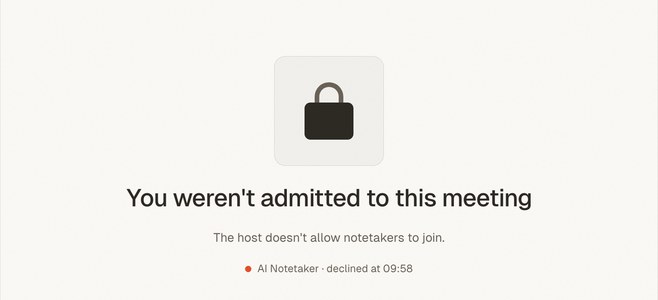
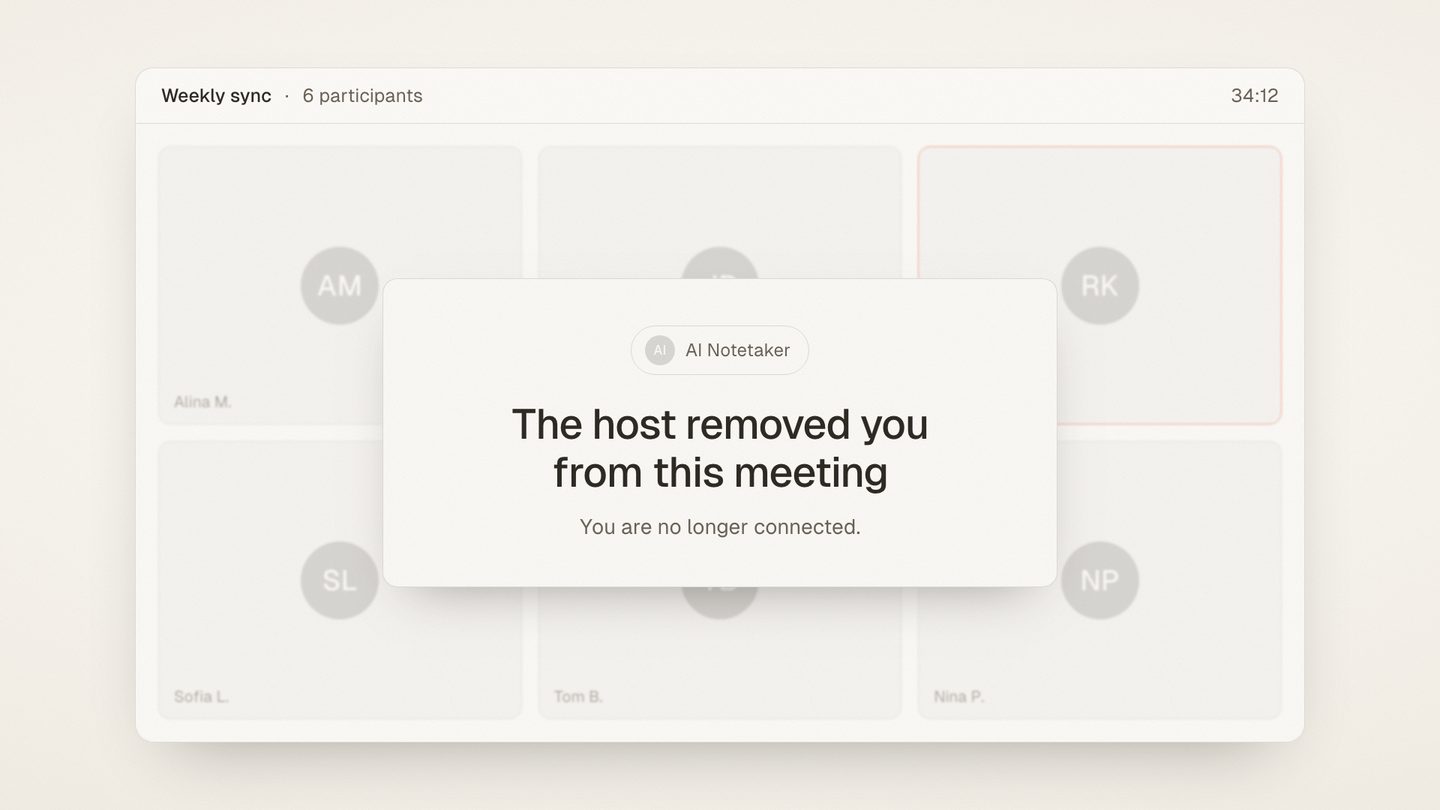
- Host admission friction. Bots wait in lobbies. Hosts deny them, forget them, or admit them five minutes in — so your notes start at minute five. On someone else's call, you may not be able to bring a bot at all.
- Client perception. In sales, legal, consulting, or any first meeting, sending a bot reads as this conversation is being processed. Plenty of professionals have simply stopped, because the bot cost more trust than the notes were worth.
- Admin crackdowns. IT departments increasingly block unknown bot participants outright, and workspace policies on Zoom, Meet, and Teams make that a one-toggle decision. A notetaker that stops working whenever a client's IT team tightens a setting is not a notetaker you can rely on.
If any of these sound familiar, the tools below all solve the visibility problem. They differ in how, and that's what the rest of this guide compares. (For the broader question of ditching bot notetakers, see our AI notetaker alternatives piece.)
The bot-free field at a glance
| Tool | Capture method | Where it works | Free tier (as of Aug 2026) | Paid from |
|---|---|---|---|---|
| Granola | Desktop app, system audio | macOS, Windows (+ iOS, Android) | Unlimited notes; history limited to 30 days | $14/user/mo |
| Jamie | Desktop app, system audio | macOS, Windows | 10 meetings/mo, 30 min each | €21/mo (annual) |
| Bluedot | Chrome extension + desktop app | Chrome, macOS, Windows, mobile | 5 meetings lifetime, 1 h each | $14/user/mo (annual) |
| Circleback | Desktop app (bot optional) | macOS, Windows | Free trial only | $20.83/user/mo (annual) |
| Tactiq | Browser extension, reads captions | Meet, Zoom, Teams in Chrome | 10 transcripts/mo, 5 AI credits | €6.67/user/mo (annual) |
| meaty | Browser extension (Chrome side panel); phone browser for in-person | Any meeting in a browser tab; any phone | 120 min/mo, 40 min/meeting | €6.50/mo (annual) or €8/mo |
Prices and limits verified on each vendor's pricing page as of August 2026 and linked below. They change constantly — check the vendor's site before deciding.
The best bot-free AI notetakers in 2026
1. Granola — the desktop notetaker people actually like
Granola captures your computer's audio directly — "uses your computer audio, so doesn't invite a bot" is its own pitch — and its signature trick is genuinely liked: it blends the rough notes you type during the meeting with the transcript, producing notes that read like yours, only complete. Mac-first in its history, it now runs on macOS, Windows, iOS, and Android. The free Basic plan allows unlimited meeting notes but locks notes older than 30 days behind an upgrade; the Business plan is $14/user/month (as of August 2026, per Granola's pricing).
The catch: it's built around you at your desk with the app installed — there's no browser-only mode, so a locked-down work machine or someone else's computer leaves you without it.
2. Jamie — system-audio capture with a strict free tier
Jamie (meetjamie.ai) records system audio through a desktop app for macOS and Windows — no bot, no attendee-list entry, works with any meeting software on the machine. It's EU-based, produces solid summaries and action items, and is a favorite of people who meet across many platforms. The free tier is 10 meetings a month at a maximum of 30 minutes each; the Plus plan is €21/month billed annually for 20 meetings a month at up to 2 hours, and Pro is €39/month for unlimited meetings (as of August 2026, per Jamie's pricing).
Worth knowing: ten meetings a month runs out fast if you meet daily, and the paid jump is one of the steepest here.
3. Bluedot — extension-plus-desktop hybrid
Bluedot has made bot-free its entire identity, and it hedges across capture methods: a Chrome extension, desktop apps for Mac and Windows, mobile apps, and import of existing recordings. That flexibility is its real strength — one account covers browser meetings and native-client meetings. The free tier is 5 meetings lifetime (max 1 hour each); the Basic plan runs $14/user/month billed annually for unlimited audio-only meetings still capped at 1 hour per recording, with video recording and unlimited duration starting on Pro at $20/user/month billed annually (as of August 2026, per Bluedot's pricing).
The trade-off: five lifetime meetings means you can't actually live on the free plan, and the 1-hour-per-recording cap persists into the first paid tier.
4. Circleback — polished notes, bot optional rather than bot-free
Circleback is best known for the quality of its structured notes and action items. It's bot-optional rather than bot-free by design: by default a bot joins from your calendar, but its desktop app for macOS and Windows records your mic and computer audio with no bot, and the app falls back to botless capture when a bot can't join (per Circleback's desktop page). There's no permanent free tier — just a trial — and the Individual plan is $20.83/user/month billed annually (as of August 2026, per Circleback's pricing).
One wrinkle: you're paying near the top of this list, and staying truly bot-free requires turning the default joining behavior off rather than just installing the app.
5. Tactiq — the caption reader
Tactiq is the big name in the other kind of browser extension: it doesn't record audio at all. It reads the live captions that Google Meet, Zoom, or Teams generate in the browser and turns them into transcripts and AI summaries. That makes it genuinely lightweight — nothing joins, nothing records — and cheap: free for 10 transcripts a month with 5 AI credits, then Pro from €6.67/user/month billed annually (as of August 2026, per Tactiq's pricing).
Where it falls short: caption scraping means transcript quality is whatever the platform's captions produce, it only works where captions exist, and there's no audio recording behind the transcript — nothing to re-listen to or re-transcribe when a caption came out wrong.
6. meaty — the meeting-recorder browser extension, any phone for the room
meaty is ours, so calibrate accordingly — but its slot in this field is the one nobody else covers end to end. The Chrome side-panel extension records the actual audio of the meeting tab, your microphone, or both — true tab-audio capture, not caption scraping — so it works on any meeting that runs in a browser tab, on any website, with no bot, no desktop install, and no admin rights. And for the meetings with no tab at all, meaty records in-person conversations from any phone's browser. Either way you get a speaker-labeled transcript, a summary, and action items, processed on EU-hosted infrastructure. The free tier is 120 minutes a month with recordings up to 40 minutes each; Pro lifts the cap to 120-minute meetings and costs €6.50/month billed annually (€78/year) or €8 month-to-month.
Where it doesn't fit: tab capture can't reach native desktop meeting clients — if your calls run in the Zoom or Teams app rather than a browser tab, a system-audio tool like Granola or Jamie is the better fit. Free-tier recordings cap at 30 minutes each (Pro removes the limit), and meaty transcribes after the meeting rather than showing live captions, which is deliberate but worth knowing.
Which bot-free notetaker should you pick?
- Choose Granola or Jamie if your meetings run in native desktop apps and you can install software on your machine. System-audio capture is the only bot-free method that reaches the Zoom and Teams desktop clients, and Granola's note-blending is genuinely worth trying.
- Choose Bluedot if you want one paid account that hedges across extension, desktop, and mobile capture.
- Choose Circleback if note quality is the whole game, you'll pay for it, and you don't mind that bot-free is a setting rather than the default.
- Choose Tactiq if you just want cheap text from captioned Meet/Zoom/Teams calls and don't need a recording behind it.
- Choose meaty if your meetings happen in browser tabs — especially on machines where you can't install anything — or in person, and you want a real recording, EU hosting, and a free tier (120 min/month, 40 min per recording) you can actually live on.
Escaping a specific bot tool? We've done the deep one-on-one comparisons too: our Otter alternative guide and Fireflies alternative guide cover the two biggest.