Short answer: Most AI notetakers are bots that join video calls, so they can't capture meetings that happen in a room. The main alternatives are a phone-first AI recorder like meaty, voice memos paired with separate transcription, dedicated hardware recorders, or disciplined manual notes. For most in-person teams, the phone-first option wins on effort versus output.
Why do most AI notetakers miss in-person meetings?
The mainstream "AI notetaker" — Otter, Fireflies, Fathom, and their many peers — is built around one core mechanic: a bot that joins your video call. It reads your calendar, dials into the Zoom or Meet link as a silent participant, records the call audio, and turns it into a transcript and summary.
That architecture is genuinely good at what it was designed for. If your team lives on scheduled video calls, a bot notetaker is probably the right tool, and you don't need this article — you might want our deeper looks at the best Otter alternatives or Fireflies alternatives instead.
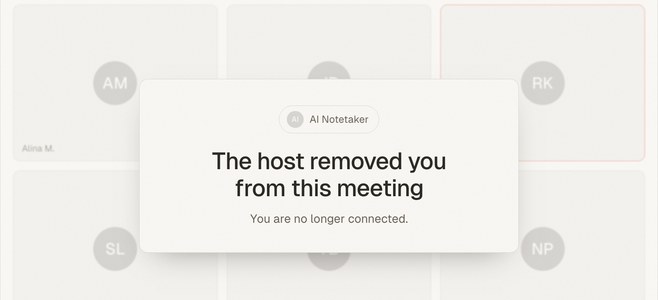
But the same architecture is structurally blind to anything without a meeting link. A client lunch, a factory walkthrough, a whiteboard session, a hallway decision, a site visit — there's no call for the bot to join, so nothing gets captured. It's not a missing feature; it's the shape of the product. If a meaningful share of your important conversations happen in person, you need a different category of tool, not a different brand of bot.
This post maps the four realistic alternatives and when each one wins.
Alternative 1: A phone-first AI recorder
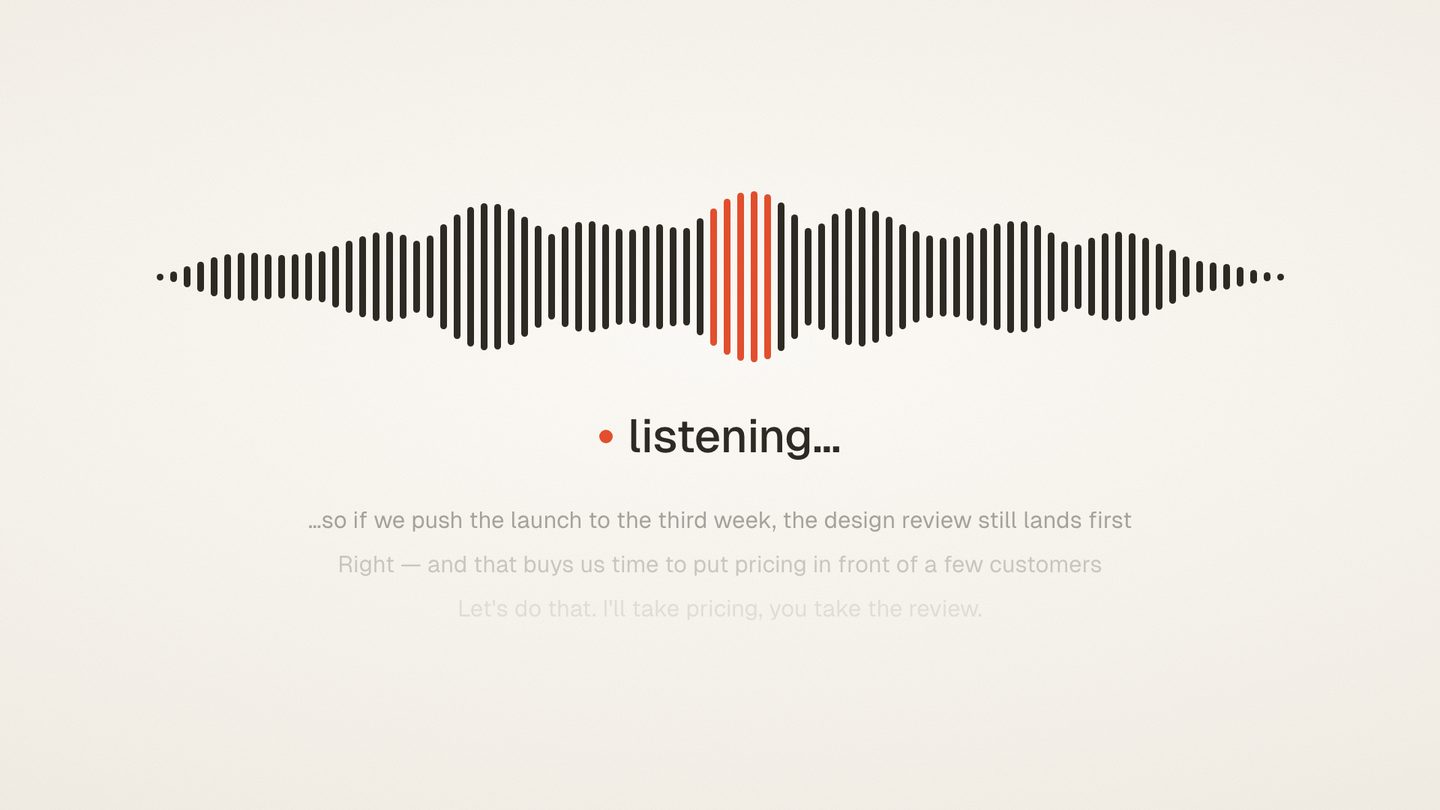
The most direct replacement is a tool that starts from the device already in the room: your phone. Instead of a bot joining a call, you open the recorder, tap record, and set the phone on the table. The audio of the actual room — everyone at the table, not just people on a call — is what gets processed.
meaty is built this way. It runs as a browser PWA, so there's no app-store install; you open it on your phone and record. There's no bot involved at any point, which also means nothing joins your meetings announcing itself to attendees. It's free to start.
The workflow is deliberately simple. You record the meeting, and transcription happens after you stop — not in real time — which keeps the recording step lightweight. When processing finishes, you get a transcript with speaker labels, plus an auto-generated title, summary, and action items. The transcript is timestamped and searchable, so "what did we actually agree on the pricing?" is a search away rather than a memory test.
Because the phone is the microphone, this approach also covers an awkward middle case: calls you take on speaker. If a client call is playing out loud, the same record-then-transcribe flow captures it — no calendar integration or meeting link required. For the mechanics and etiquette of this setup, see our guide to recording a meeting on your phone.
Where it wins: in-person meetings, mixed schedules where some conversations are planned and some aren't, and anyone who wants notetaker-style output (summary, action items, searchable transcript) without notetaker-style infrastructure (bots, calendar hooks, per-seat admin).
Where it doesn't: if every meeting you have is a scheduled video call and you never meet in person, a bot tool that auto-joins from your calendar involves even less friction. Use the right tool for your actual meeting mix.
Alternative 2: Voice memos plus separate transcription
The DIY route: record with your phone's built-in voice memo app, then run the file through a separate transcription tool afterward. Every smartphone can do the first half for free, and transcription services — from consumer apps to API-based tools — handle the second half.
This genuinely works, and it's worth taking seriously. The audio quality of a phone on a table is the same whether a purpose-built app or the stock recorder captures it. If you only need this once a quarter, the stitched-together version may be all you need.
The cost shows up in the seams. You have to remember to export the file, upload it somewhere, wait, then move the output into wherever your notes live. Nothing generates a summary or extracts action items unless you add another step. Files pile up with names like "New Recording 47," and finding the March conversation about the vendor contract means remembering which recording it was. Each individual step is easy; the pipeline is what quietly decays after the second or third meeting.
Where it wins: occasional, one-off recordings; situations where you already have an audio file and just need words on a page; maximum control over which tools touch your audio.
Where it doesn't: recurring meetings. The manual pipeline is exactly the kind of chore people abandon, and an abandoned pipeline captures nothing.
Alternative 3: Dedicated hardware recorders and wearables
The third category is physical: dictaphone-style recorders, and more recently AI wearables and card-shaped recorders that capture audio all day and sync to a companion app for transcription and summaries.
Dedicated hardware has real strengths. A purpose-built recorder can offer better microphones than a phone, longer battery life, and a single-purpose device that never gets interrupted by a phone call mid-meeting. Journalists and researchers have relied on them for decades for good reason. Wearables add always-available capture — you don't have to decide in advance that a conversation matters.
The trade-offs are equally real. It's another device to buy, charge, carry, and not lose, and the useful AI features typically live behind a companion app with its own subscription. Always-on wearables also raise the consent stakes considerably: a phone visibly placed on the table with a stated "I'm going to record this so I can send notes after" is a very different social contract than a pendant that might always be listening. Whatever you use, tell people you're recording — it's both the law in many places and the baseline of professional courtesy.
Where it wins: heavy recording workloads (daily interviews, fieldwork), hostile audio environments where mic quality is the bottleneck, and people who want capture separated from their phone entirely.
Where it doesn't: if you're honest about it, the phone in your pocket already covers the common cases — and it's one less thing to charge.
Alternative 4: Manual note-taking, done well
The oldest alternative deserves a fair hearing, because done well it's better than most people's memory of it. A designated note-taker, a consistent template, decisions and action items captured with owners and dates, notes circulated within a day — that system predates AI and it still works.
Manual notes have advantages no recorder matches. Writing forces synthesis in the moment: you capture what things meant, not just what was said. There's no audio file to worry about, no consent conversation needed, and no processing step. For sensitive discussions where a recording would change how candidly people speak, notes are often the only appropriate option.
The weaknesses are equally well-known. The note-taker half-participates in the meeting at best. Verbatim accuracy is gone — you get their interpretation, and disagreements about "what we actually agreed" can't be settled by checking. And quality depends entirely on discipline: the template only works if someone fills it in every single time. If you go this route, do it properly — our guides to meeting notes people actually read and making sure action items never get lost apply whether the notes come from a human or a machine.
Where it wins: sensitive conversations, meetings where recording isn't appropriate or permitted, and small teams with a genuinely disciplined note-taking culture.
Where it doesn't: fast, dense, or contentious meetings where verbatim record matters, and any team relying on "someone will write it down" without a named someone.
Comparison table: which alternative fits your meetings?
| Phone-first AI recorder (meaty) | Voice memos + transcription | Hardware recorder / wearable | Manual notes | |
|---|---|---|---|---|
| Captures in-person meetings | Yes | Yes | Yes | Yes (as interpretation) |
| Setup required | Open PWA in browser, tap record | Record, export, upload, paste | Buy device, charge, sync app | Template + a disciplined person |
| Summary + action items | Auto-generated | Manual extra step | Depends on companion app | Written by hand |
| Speaker labels | Yes | Depends on tool | Depends on app | N/A |
| Searchable later | Timestamped, searchable transcript | Only if you organize files | Depends on app | Only if filed consistently |
| Extra cost to start | Free to start | Free recording; transcription varies | Device purchase + often subscription | Free |
| Ongoing effort per meeting | Low | High | Low-medium | High |
| Best for | Regular in-person meetings | Occasional one-offs | Heavy daily recording | Sensitive discussions |
The pattern across the table: every option can capture a room, but they differ sharply in how much work happens after the meeting and whether that work happens automatically. That's usually the deciding factor, because post-meeting effort is precisely what people stop doing under deadline pressure.
When is a bot notetaker still the right choice?
To be plain about it: if your work life is calendar-driven video calls, the bot tools are the better fit, and this whole comparison mostly doesn't apply to you. Auto-joining from the calendar means zero per-meeting effort, and features like real-time transcription during the call are things a record-then-process tool doesn't offer.
The free tiers are workable for light use, too — Otter's free plan includes 300 transcription minutes per month, capped at 30 minutes per conversation, as of July 2026. (Plans and limits change; check the current pricing page before deciding.)
The honest framing is that this is a category question, not a quality question. Bot notetakers aren't bad tools that a phone recorder fixes — they're tools for a different meeting topology. If you're choosing within the bot category, our tool-specific comparisons of Otter alternatives and Fireflies alternatives go deep on those trade-offs. If your meetings happen in rooms, come back to this page.
Many people, of course, live in both worlds. A reasonable stack is a bot tool for scheduled calls and a phone-first recorder for everything else — or, if you'd rather run one tool, a phone-first recorder covers both, since it captures video calls played out loud on speaker as well as the room itself.
How to actually decide
Skip the feature matrices and answer three questions about your last month of meetings.
First: where did your important conversations actually happen? Not where meetings were scheduled — where decisions got made. If the answer includes rooms, lunches, or walkthroughs, a bot tool alone leaves your most consequential conversations uncaptured.
Second: what happens after the meeting today? If notes currently don't get written, pick the option with the lowest post-meeting effort, because your real competition is "nothing." An automatic summary with action items beats a theoretical perfect system nobody maintains.
Third: how often does this need to work? Once a quarter, the voice-memo pipeline is fine. Weekly or daily, friction compounds, and the tools that win are the ones that need one tap and no cleanup.
For most people whose meetings happen in person, that reasoning lands on a phone-first recorder: it's the device you already carry, with the summary, action items, and searchable transcript handled for you after you stop recording.