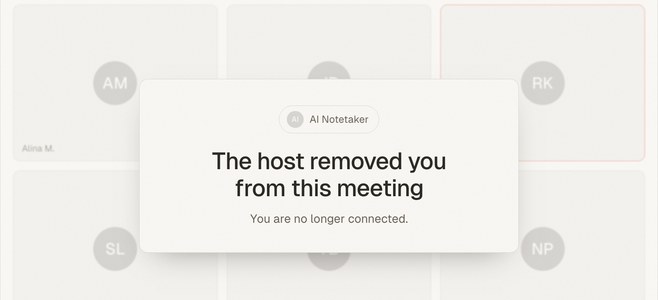
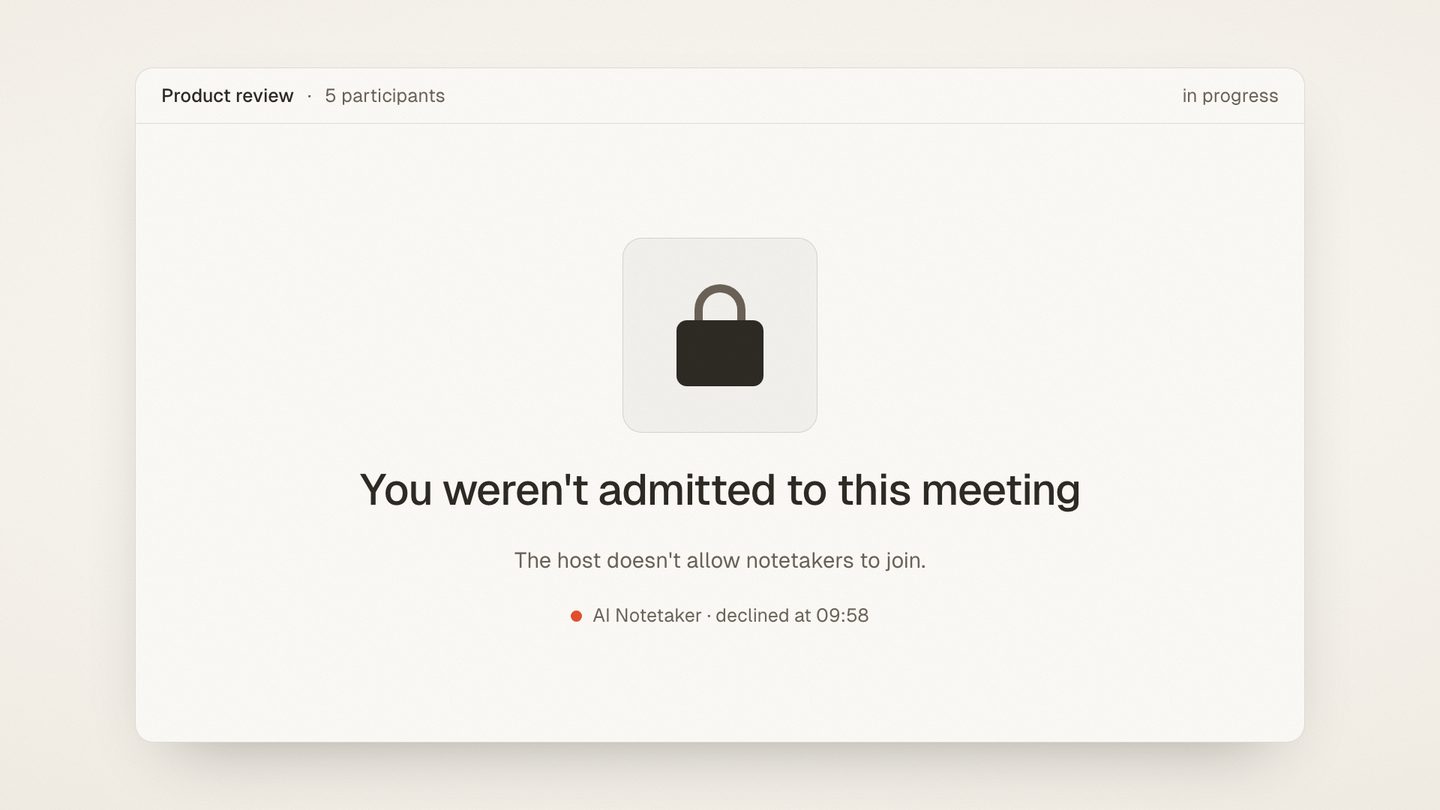
Short answer: Microsoft Teams and Google Meet are rolling out controls in 2026 that detect, flag, and — on Teams, soon automatically block — third-party meeting bots. Bot-based notetakers like Otter, Fireflies, and Read.ai depend on joining the call, so these policies hit them directly. meaty takes a different route: it records the meeting locally in your browser, so there's no bot to admit, flag, or block.
If your meeting notes depend on a bot that joins your calls as a fake participant, 2026 is the year that model started breaking. Here's what Microsoft and Google have actually shipped and announced (with primary sources, since a lot of the coverage floating around is vendor marketing), why the crackdown is happening, and what a bot-free setup looks like.
What Microsoft Teams is changing
Microsoft has been tightening the screws on external meeting bots in stages through 2026.
Already shipped: bot detection and organizer approval. As of late June 2026, Teams can detect third-party bots trying to join a meeting, place them in the lobby, clearly label them, and require the organizer to deliberately confirm admission — a feature reported by BleepingComputer as rolling out from June 30, 2026 across Windows, macOS, Android, and iOS. The bot no longer slips in as just another attendee; it arrives pre-flagged as suspect.
Coming next: automatic blocking. Microsoft 365 Roadmap item 566201 — "Block all identified external bots automatically from joining your meetings" — is in development as of July 2026, with general availability listed for September 2026. Once admins turn that on, identified external bots don't even reach the lobby.
And more admin controls after that. According to the same BleepingComputer coverage of Microsoft's announcements, Microsoft plans further controls in the coming months: allow lists for approved bots, policies to block external bots entirely, and audit reporting. Some vendor blogs have described this as a tenant-wide "bot ban" with certified-publisher allowlists; the certified-publisher detail comes from secondary analyses of the announced settings, not from Microsoft's own published documentation, so treat the specifics as provisional. The direction, though, is unambiguous: on Teams, bots join meetings only if an admin lets them.
What Google Meet is changing
Google moved earlier and more quietly. In February 2026, the Google Workspace Updates blog announced a safeguarded guest admit flow for Meet: join requests are now split into two queues, and requests from connections that warrant "a closer look" land in a second queue where the default action is to deny entry. The rollout started March 24, 2026 for Rapid Release domains and April 7, 2026 for Scheduled Release.
Google's own post doesn't use the word "bot" — it describes the flagged queue in terms of connections the host should scrutinize. But industry press, including UC Today, read the update as squarely aimed at the wave of AI notetaker bots dialing into meetings, and in practice that's who lands in the deny-by-default queue: an account that isn't a person, joining from outside the domain.
Google is also tightening consent around recording in general. A separate Workspace update lets admins require explicit consent from meeting participants before automatic note-taking, recording, or transcription begins — even for Google's own Gemini notes. That rollout resumed July 29, 2026 after a pause, with completion expected by mid-August 2026.
Why the crackdown is happening
This isn't platforms being territorial for its own sake. Bot notetakers created real legal and security problems, and 2025–2026 is when those problems landed on desks that matter.
Transcripts became evidence. A June 2026 PYMNTS piece, "The Meeting Bot Nobody Invited Is Now Exhibit A", describes corporate lawyers ejecting AI notetakers from meetings before they start, because verbatim AI transcripts — unlike curated human minutes — preserve every offhand remark and become discoverable in litigation. It cites a 2025 Fellow.ai survey finding three out of four professionals already use an AI notetaker in work meetings, and notes vendors themselves face lawsuits: Otter over recording non-participants without consent, Fireflies over voiceprint claims under Illinois biometric law.
The bar weighed in. In December 2025, the New York City Bar Association issued Formal Opinion 2025-6, concluding that lawyers must notify clients and obtain consent before AI-empowered systems record their conversations, must vet where the vendor stores data and whether it trains on it, and must independently verify AI-generated summaries. That's guidance for lawyers, but it set the tone for every compliance team that read it.
Admins were the last to know. A bot joins a meeting using an invite link, ships the audio to a third-party cloud, and the IT department finds out when the transcript surfaces somewhere it shouldn't. Deny-by-default is the predictable response.
What this means if you use Otter, Fireflies, or Read.ai
The bot-based model — a virtual participant that joins your call to record it — now runs through a gauntlet:
- On Meet, your bot lands in a scrutiny queue where deny is the default. Someone has to actively rescue it, on every call, as of March 2026.
- On Teams, it gets labeled as a bot and requires organizer approval today, and from September 2026 admins can have it blocked automatically before anyone sees it.
- In external meetings, you don't control the tenant. Your client's or partner's admin policy decides whether your notetaker works, and increasingly the answer is no.
None of this means those products are dead — inside a company whose own admins approve them, they'll keep working. If you're evaluating that landscape, we've compared the options in our guide to AI notetaker alternatives. But if your notes depend on a bot being admitted to other people's meetings, you now have a single point of failure you don't control.
What still works: capture that never joins the call
There's a category of tool the crackdown structurally can't touch: local capture. Instead of sending a bot into the meeting, you record the audio you can already hear, on your own device. Nothing joins the call, so there's nothing to flag, queue, or block.
That's how meaty works — full disclosure, meaty is our product. Two ways to capture:
- In the browser. The meaty Chrome side-panel extension (published July 29, 2026) records the meeting tab's audio, your microphone, or both, locally in Chrome. It works the same whether the meeting is on Meet, Teams, Zoom, or anything else that plays through a browser tab — because it never interacts with the meeting platform at all. From the platform's perspective, you're just a participant.
- From any phone browser. For in-person meetings — the kind no bot could ever attend — meaty records the room from your phone, no app-store install needed.
Either way, you get a transcript with speaker labels, a summary, and action items when you stop. Processing is EU-hosted. The free tier includes 120 minutes per month (recordings up to 40 minutes each), and Pro — meetings up to 120 minutes — is €6.50/month billed annually or €8 month-to-month. If most of your meetings happen across a table rather than a screen, our in-person notetaker comparison goes deeper.
The fine print: consent and admin policy still apply
Local capture is immune to bot-blocking, not to the rules. Two things to be clear-eyed about:
Admins can restrict extensions too. A managed Chrome profile can block or allowlist browser extensions the same way a Teams tenant blocks bots. If your company locks down the browser, talk to IT rather than around them — the pitch is easier than for a bot, since nothing external joins the call and audio capture happens on your own machine, but it's still their call.
Recording consent is your job, always. The fact that no bot announces itself doesn't reduce your obligations — it arguably increases them, because there's no automatic "this meeting is being recorded" banner doing the disclosure for you. Depending on your jurisdiction, recording a conversation can require the consent of one party or of everyone in it, and professional rules (like the NYC Bar opinion above) can demand explicit client consent regardless. Tell people you're recording, get agreement, and put it in the invite. A tool that keeps working under the 2026 crackdowns is only an advantage if you use it in ways you can defend.
The same logic applies to how you produce notes generally — if the goal is notes people actually act on, capture is only step one; we've written about alternatives to the video-call-first workflow before.
Frequently asked questions
Is Microsoft Teams really blocking AI notetaker bots?
Does Google Meet block notetaker bots by default?
Will Otter, Fireflies, and Read.ai stop working in 2026?
How can I record a meeting without a bot joining the call?
Is it legal to record a meeting locally without a bot?
The bottom line
The 2026 platform crackdowns aren't a temporary policy wobble — Teams and Meet are converging on the same posture: bots join meetings only when an admin explicitly says so. Tools built on sneaking a virtual participant into your calls will spend the next years fighting allowlists. Tools that record locally never entered that fight. Capture the audio you can already hear, disclose it like a professional, and let the bots argue with the lobby.
Try meaty free — 120 minutes a month, no bot, no app to install: record your next meeting from the Chrome side panel or your phone.